
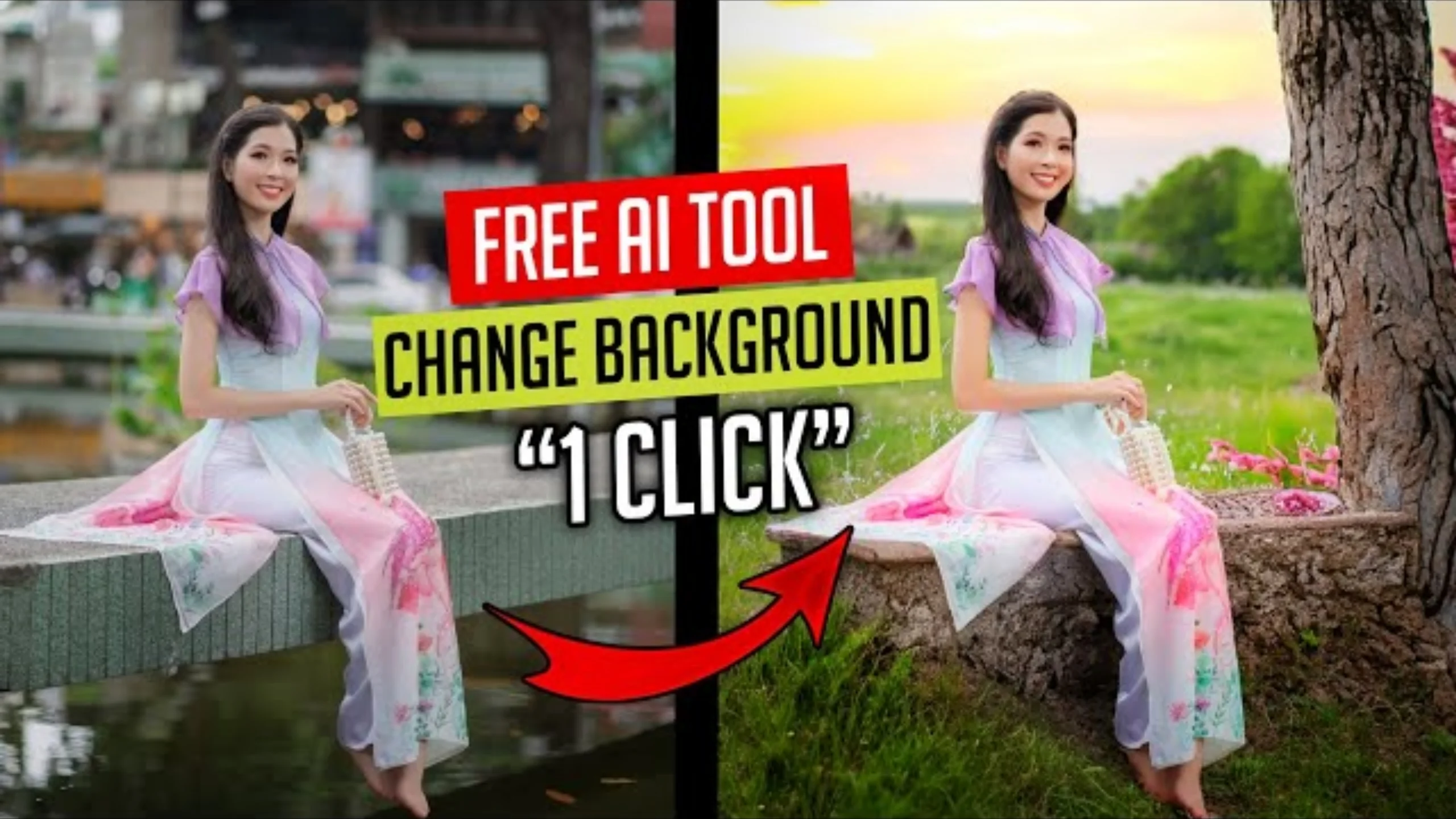
Artificial intelligence has made photo editing faster and easier than ever. Tasks that once required advanced software and professional skills such as removing backgrounds, replacing objects, or enhancing images can now be completed in just a few clicks.
One platform leading this innovation is Hugging Face, a popular open-source AI platform that hosts thousands of machine learning models for text, images, audio, and video. While Hugging Face is best known among developers, many of its AI-powered image editing tools are also accessible to everyday users through web-based demos.
In this guide, you’ll learn what Hugging Face is, how its AI photo editing tools work, how to change image backgrounds, and which alternatives are worth exploring.
What Is Hugging Face?
Hugging Face is an open-source platform that allows developers and researchers to build, share, and use artificial intelligence models.
It hosts hundreds of thousands of AI models covering areas such as:
- Image generation
- Photo editing
- Background removal
- Text generation
- Speech recognition
- Language translation
- Computer vision
Many of these models can be tested directly through interactive web applications without installing complicated software.
Can You Edit Photos with Hugging Face?
Yes.
Although Hugging Face is not a traditional photo editing application, it provides access to many AI-powered image editing models created by developers around the world.
Depending on the model, you can:
- Remove backgrounds
- Replace backgrounds
- Improve image quality
- Generate AI artwork
- Restore old photos
- Remove unwanted objects
- Apply artistic styles
- Create images from text prompts
Each tool focuses on a specific editing task rather than offering everything in one application.
How AI Background Removal Works
One of the most popular image editing features is automatic background removal.
Instead of manually selecting the subject, AI identifies the main object and separates it from the background.
The process usually takes only a few seconds.
Typical workflow:
- Upload your photo.
- The AI detects the subject.
- The background is removed automatically.
- Download the transparent image.
- Replace the background with another image or color if desired.
This feature is especially useful for profile pictures, product photography, and social media content.
Change Backgrounds with AI
After removing the original background, many AI tools let you insert a completely new one.
Popular background choices include:
- Nature scenes
- Beaches
- Mountains
- Offices
- Solid colors
- Studio backgrounds
- City skylines
- Abstract designs
Some AI models can even generate entirely new backgrounds based on text descriptions.
For example, you can request backgrounds such as:
- A modern office
- A tropical beach at sunset
- A futuristic city
- A snowy mountain landscape
- A colorful abstract design
Popular Hugging Face Image Editing Models
Since Hugging Face hosts thousands of community-created models, the available tools change regularly.
Some commonly used categories include:
Background Removal
Automatically separates people or objects from the background.
Image Inpainting
Removes unwanted objects by filling the selected area with AI-generated content.
AI Image Generation
Creates completely new images from written prompts.
Photo Restoration
Repairs damaged, blurry, or low-quality photos.
Super Resolution
Enhances image resolution while preserving detail.
Other Useful Hugging Face Features
Beyond photo editing, Hugging Face provides tools for many AI applications.
These include:
Transformers Library
A widely used collection of pre-trained AI models for natural language processing, computer vision, and audio tasks.
Hugging Face Hub
A central platform where developers share:
- AI models
- Datasets
- Machine learning applications
The Hub allows users to explore thousands of ready-to-use AI projects.
Spaces
Spaces let developers publish interactive AI applications built with frameworks such as Gradio or Streamlit.
Many image editing demos can be tested directly from a web browser without installing anything.
Gradio
Gradio makes it easy for developers to create simple interfaces for AI models, allowing users to upload images and receive results almost instantly.
Best Alternatives for AI Photo Editing
If you’re looking for complete photo editing applications instead of individual AI models, several excellent options are available.
Adobe Express
Offers AI-powered background removal, image enhancement, and graphic design tools.
Canva
Includes Magic Edit, background remover, AI image generation, and easy drag-and-drop editing.
PicsArt
Provides AI filters, object removal, stickers, text editing, and creative photo effects.
Pixlr
A browser-based editor with AI tools for background removal, image enhancement, and creative editing.
Fotor
Offers portrait retouching, AI background replacement, photo restoration, and one-click enhancements.
Tips for Better AI Editing Results
The quality of your edited image depends largely on the original photo.
For the best results:
- Upload high-resolution images.
- Use photos with good lighting.
- Avoid blurry pictures.
- Keep the subject clearly visible.
- Choose simple backgrounds whenever possible.
Better input images usually produce cleaner AI-generated results.
Advantages of AI Background Editing
AI editing tools offer several practical benefits.
These include:
- Faster editing
- No manual selection required
- Beginner-friendly workflow
- Professional-looking results
- Easy social media content creation
- Improved product photography
Many tasks that previously required advanced software can now be completed in seconds.
Frequently Asked Questions
Is Hugging Face free?
Many Hugging Face models and demos are available free of charge, while some advanced services may require a subscription or paid API access.
Do I need programming knowledge?
No. Many Hugging Face Spaces provide simple web interfaces where you can upload images and use AI tools without writing code.
Can I remove image backgrounds?
Yes. Several AI models hosted on Hugging Face specialize in automatic background removal.
Can AI generate new backgrounds?
Yes. Some AI models can create completely new backgrounds based on text prompts or replace existing ones with uploaded images.
Is Hugging Face suitable for beginners?
Yes. Although the platform is developer-focused, many AI tools are simple enough for beginners to use through browser-based demos.
Final Thoughts
Hugging Face has become one of the largest platforms for artificial intelligence, offering powerful image editing tools alongside thousands of machine learning models. Whether you want to remove backgrounds, restore old photos, generate AI artwork, or experiment with creative image editing, the platform provides countless possibilities through its growing collection of AI applications.
If you prefer an all-in-one editing experience, apps like Canva, Adobe Express, PicsArt, and Pixlr are excellent alternatives. However, if you’re interested in exploring the latest AI innovations and testing cutting-edge image editing models, Hugging Face is an outstanding place to start.
