
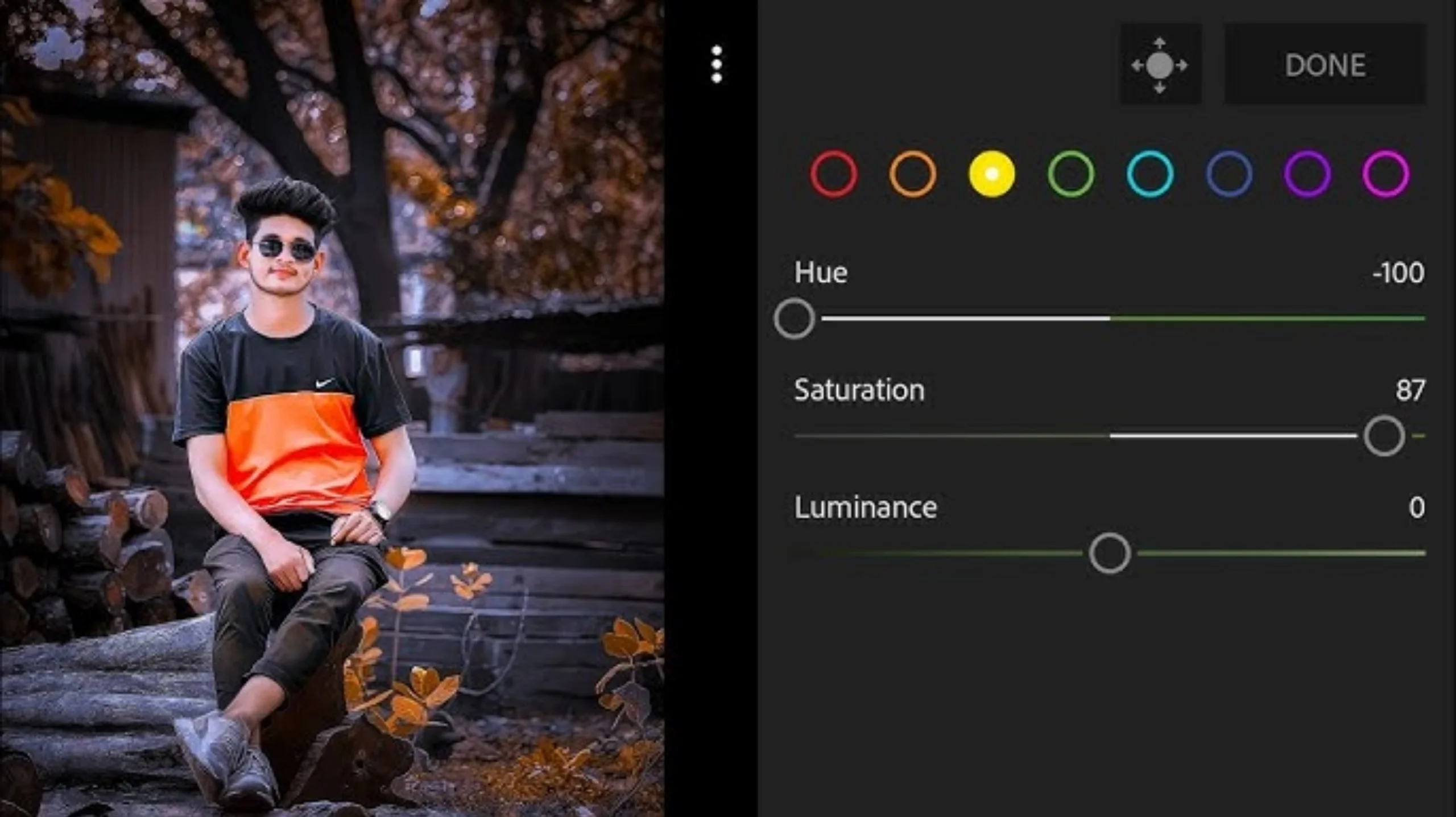
Photo and video editing has become an important part of creating content for social media. Whether you’re posting on Instagram, TikTok, Facebook, or YouTube Shorts, creative filters and visual effects can help your content stand out.
If you’re looking for the best TON photo and video filter apps, there are plenty of excellent options available for Android users. From AI-powered editing tools to professional color grading and creative effects, today’s apps make it easy to produce high-quality content directly from your smartphone.
This guide introduces some of the best editing apps, their features, and tips for choosing the right one for your editing style.
Why Use Photo and Video Filter Apps?
Modern editing apps do much more than apply simple filters.
Many now include AI-powered features such as:
- Automatic background removal
- Portrait enhancement
- Sky replacement
- Object removal
- Color correction
- Cinematic effects
- Video transitions
- One-tap presets
These tools allow anyone to create professional-looking photos and videos without advanced editing skills.
1. CapCut
Best for: AI video editing and short-form content
CapCut remains one of the most popular video editing apps for content creators.
Key features include:
- AI video effects
- Auto captions
- Background removal
- Smooth transitions
- Green screen support
- Slow-motion editing
- 4K video export
Its simple interface makes it suitable for beginners while offering enough advanced features for experienced creators.
2. PicsArt
Best for: Creative photo editing
PicsArt combines photo editing, graphic design, and AI-powered tools in one application.
Popular features include:
- AI image generation
- Artistic filters
- Collage maker
- Stickers
- Background remover
- Drawing tools
- Text editing
It’s ideal for users who enjoy experimenting with creative edits.
3. VN Video Editor
Best for: Professional mobile video editing
VN offers powerful editing tools without adding watermarks to exported videos.
Features include:
- Multi-track timeline
- Keyframe animation
- Professional transitions
- LUT color grading
- Speed control
- HD video export
It’s a great choice for vloggers and YouTube creators.
4. Snapseed
Best for: Professional photo enhancement
Developed by Google, Snapseed continues to be one of the best free photo editors.
Its editing tools include:
- Selective adjustments
- Curves
- Healing tool
- HDR effects
- RAW editing
- White balance correction
- Professional filters
Snapseed provides excellent manual control while remaining easy to use.
5. YouCam Perfect
Best for: Portrait and selfie editing
YouCam Perfect focuses on enhancing portraits using AI technology.
Popular features include:
- Beauty filters
- Face retouching
- Background replacement
- AI object removal
- Skin smoothing
- Makeup effects
It works well for profile pictures and lifestyle photography.
6. InShot
Best for: Social media videos
InShot is designed for quick editing and fast publishing.
Features include:
- Video trimming
- Speed adjustment
- Music library
- Text overlays
- Animated stickers
- Blur backgrounds
- Social media aspect ratios
It’s particularly useful for TikTok and Instagram Reels.
7. Prequel
Best for: Trendy aesthetic filters
Prequel is known for stylish visual effects inspired by current social media trends.
Popular filters include:
- VHS
- Retro film
- Glitch
- Vintage
- Dreamy effects
- Neon lighting
- AI portrait filters
The app regularly introduces new filter collections.
8. KineMaster
Best for: Advanced video editing
KineMaster offers desktop-style editing features on mobile devices.
Key tools include:
- Multi-layer editing
- Chroma key
- Voice recording
- Precision trimming
- Animation controls
- Professional transitions
It’s widely used by creators producing longer video content.
9. LightX
Best for: Creative image editing
LightX combines AI editing with artistic design tools.
Features include:
- AI background removal
- Double exposure
- Cartoon effects
- Blur tools
- Color splash
- Object removal
It offers excellent flexibility for creative editing projects.
10. Funimate
Best for: Music videos and short clips
Funimate focuses on dynamic visual effects for entertaining videos.
Features include:
- Animated transitions
- Motion effects
- Loop videos
- Text animations
- Visual overlays
- Trending templates
It’s especially popular among short-form video creators.
Best Photo Filter Apps
If you’re mainly editing still images, these apps are excellent choices.
VSCO
VSCO is well known for its elegant film-inspired filters.
Users appreciate:
- Natural color grading
- Film presets
- Simple editing tools
- Clean interface
It’s ideal for photographers who prefer subtle edits.
Lightroom Mobile
Adobe Lightroom offers professional color correction and image enhancement.
Its strengths include:
- Professional presets
- Tone curves
- RAW editing
- Selective adjustments
- Cloud synchronization
Many photographers rely on Lightroom for consistent editing.
Prisma
Prisma transforms ordinary photos into artwork using artificial intelligence.
Available styles include:
- Oil painting
- Watercolor
- Sketch
- Abstract art
- Classical painting effects
It’s perfect for users who enjoy artistic edits.
Afterlight
Afterlight specializes in vintage editing styles.
Popular features include:
- Film filters
- Dust overlays
- Light leaks
- Vintage textures
- Soft color grading
These effects create nostalgic photo styles.
Photo Lab
Photo Lab provides creative templates and AI-powered effects.
Users can create:
- Artistic portraits
- Photo frames
- Face montages
- Fantasy effects
- Digital artwork
It’s a fun option for casual editing.
Tips for Better Photo and Video Editing
Great edits start with quality images.
For the best results:
- Shoot in good lighting.
- Use high-resolution photos.
- Avoid excessive filters.
- Keep colors natural.
- Maintain skin tones.
- Save your edits in high quality.
Small adjustments often produce more professional results than extreme effects.
How to Choose the Right Editing App
The best app depends on your needs.
Choose:
- CapCut for AI video editing.
- Snapseed for free professional photo editing.
- Lightroom for advanced color grading.
- PicsArt for creative designs.
- Prequel for trendy social media filters.
- VN Editor for watermark-free videos.
Many creators use more than one app to achieve the final look they want.
Frequently Asked Questions
Which app is best for beginners?
CapCut, Snapseed, and InShot are beginner-friendly while still offering advanced editing features.
Are these apps free?
Most provide free versions with optional premium subscriptions for additional tools and effects.
Which app offers the best AI filters?
CapCut, PicsArt, YouCam Perfect, and Prequel include some of the most advanced AI-powered editing features.
Can I edit both photos and videos?
Yes. Apps like PicsArt, CapCut, and InShot support both photo and video editing.
Which app is best for social media content?
CapCut and InShot are excellent choices for TikTok, Instagram Reels, Facebook, and YouTube Shorts.
Final Thoughts
With so many excellent editing apps available, creating professional-looking content on Android has never been easier. Whether you prefer cinematic videos, artistic portraits, vintage photography, or AI-powered effects, there’s an app that matches your editing style.
For many creators, combining multiple apps produces the best results. You might enhance a photo in Snapseed, apply a stylish filter in VSCO, and create short videos in CapCut. Experiment with different tools, develop your own editing style, and create content that reflects your creativity.
