
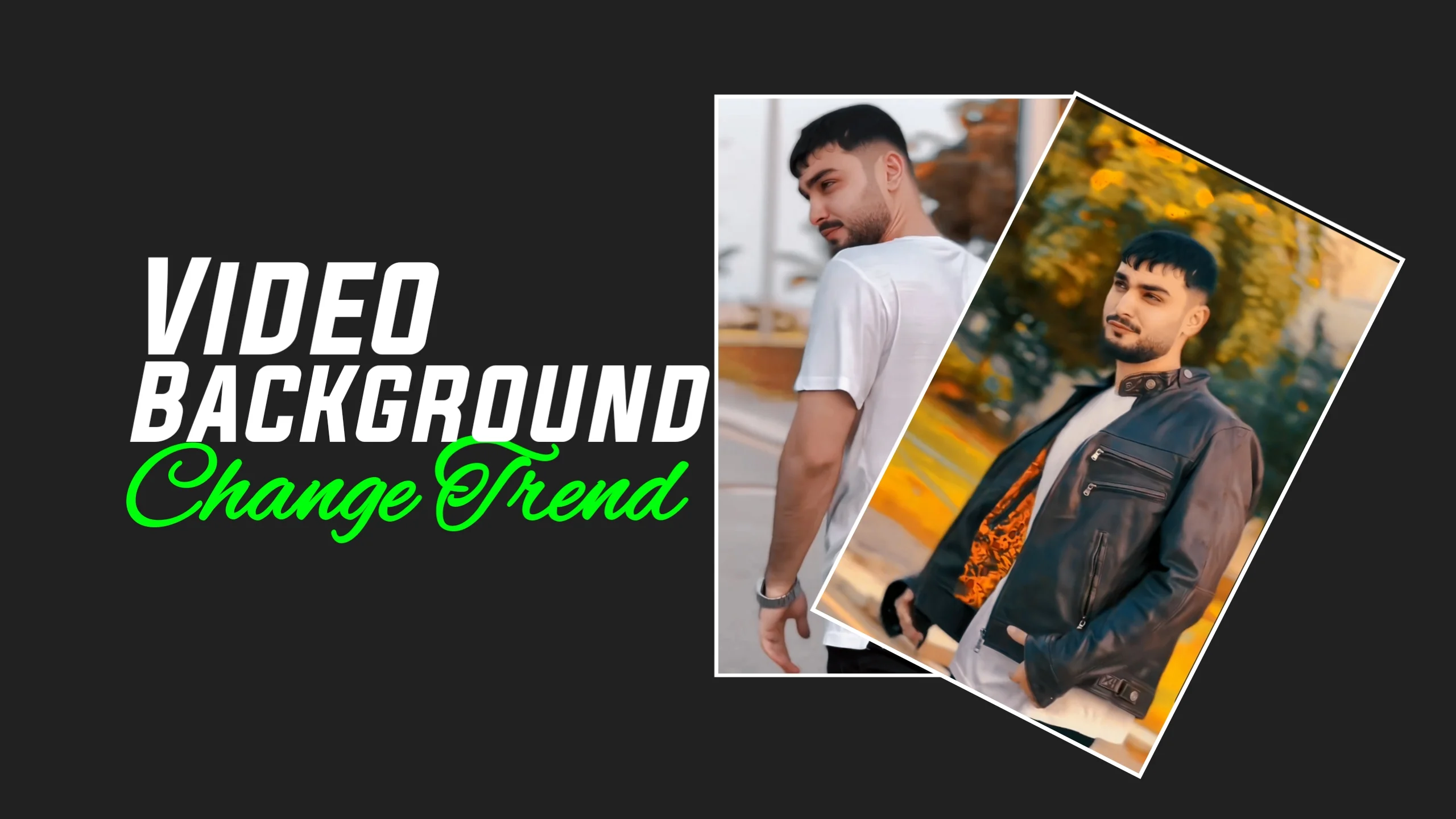
Short-form videos continue to dominate platforms like TikTok, Instagram Reels, and YouTube Shorts. One editing style that’s becoming increasingly popular is the 3D LUT background change effect, which gives ordinary videos a polished, cinematic look.
Many creators use this editing technique to replace simple backgrounds, improve colors, and make their content look more professional- all from a smartphone. If you’ve seen the Raja Umar TikTok trending background change editing style and want to create similar videos, this guide explains how it works and the tools that can help.
What Is 3D LUT Editing?
A 3D LUT (Look-Up Table) is a color grading preset that changes the colors, contrast, brightness, and overall mood of a photo or video with a single click.
Professional filmmakers have used LUTs for years to create consistent color styles across entire projects. Today, many mobile editing apps include built-in 3D LUT support, allowing anyone to achieve cinematic results without advanced editing skills.
Instead of adjusting every color manually, you simply apply a LUT that matches the style you’re aiming for.
Why Background Change Editing Is Trending
Background replacement has become popular because it allows creators to transform ordinary videos into visually engaging content.
With AI-powered editing tools, you can replace a plain wall or room with backgrounds such as:
- Modern city skylines
- Luxury interiors
- Beaches
- Mountains
- Studios
- Neon environments
- Fantasy landscapes
Combined with color grading, these edits create a much more professional appearance that stands out on social media.
How 3D LUT Background Editing Works
Most editing apps follow a similar workflow.
Step 1: Import Your Video
Open your preferred editing app and select the video you want to edit.
For the best results, use:
- Good lighting
- High-resolution footage
- A steady camera
- A clean background
Better source footage usually produces cleaner background replacement.
Step 2: Remove the Existing Background
Many modern editing apps include AI background removal tools.
These tools automatically detect the subject and separate it from the background without requiring a traditional green screen.
Some apps also let you fine-tune the edges for a cleaner result.
Step 3: Add a New Background
Once the original background is removed, you can insert a different scene.
Popular choices include:
- Nature landscapes
- Luxury homes
- Office spaces
- Gaming rooms
- Urban streets
- Creative digital artwork
Choose a background that matches your video’s lighting and perspective for a more realistic result.
Step 4: Apply a 3D LUT
Now apply a LUT to give your video a consistent cinematic color style.
Common LUT styles include:
- Warm golden tones
- Cool blue cinematic grading
- Moody film look
- Soft pastel colors
- High-contrast action style
- Vintage film effect
Experiment with different LUTs until you find one that suits your content.
Features to Look for in a Video Editing App
Not every editing app offers the same tools.
A good app should include:
- AI background removal
- 3D LUT support
- Color correction tools
- Brightness and contrast adjustment
- HDR export (if available)
- Multiple video layers
- High-resolution exports
- Smooth playback while editing
These features make it easier to create professional-looking videos without complicated software.
Why Content Creators Use LUT-Based Editing
Many influencers rely on LUTs because they save time while maintaining a consistent visual style.
Benefits include:
- Faster editing
- Professional color grading
- Better visual consistency
- Improved social media presentation
- Easy workflow for beginners
Instead of spending hours adjusting colors manually, creators can focus on storytelling and content quality.
Tips for Better Background Change Results
Small improvements during recording can make a big difference.
Here are a few practical tips:
- Record in bright, even lighting.
- Avoid cluttered backgrounds.
- Keep the camera stable.
- Wear clothing that contrasts with the background.
- Shoot in the highest resolution your device supports.
These simple steps help AI detect the subject more accurately.
Common Mistakes to Avoid
Many beginners experience poor results because of avoidable mistakes.
Try not to:
- Use low-quality videos.
- Overuse heavy filters.
- Apply multiple LUTs at once.
- Choose backgrounds with mismatched lighting.
- Export videos at very low resolution.
Keeping your edits natural usually produces the best-looking results.
Where Can You Use These Editing Techniques?
3D LUT and background editing aren’t limited to TikTok.
They can also improve content for:
- Instagram Reels
- YouTube Shorts
- Facebook videos
- Product promotions
- Personal vlogs
- Online tutorials
- Portfolio videos
- Business advertisements
A consistent editing style can also help strengthen your personal or brand identity.
The Future of AI Video Editing
Mobile editing technology continues to improve each year.
Many newer apps now include AI-powered features such as:
- Automatic subject detection
- Smart color correction
- One-click cinematic grading
- Object removal
- AI-powered background generation
- Automatic lighting adjustments
These tools reduce editing time while making professional-quality effects more accessible to everyday creators.
Frequently Asked Questions
What is a 3D LUT?
A 3D LUT is a preset that changes the colors and overall appearance of a photo or video to achieve a specific visual style.
Do I need a green screen?
Not necessarily. Many modern editing apps use AI to remove backgrounds without requiring a green screen, although a clean background often improves accuracy.
Can beginners use 3D LUT editing apps?
Yes. Most mobile editing apps are designed with simple interfaces that allow beginners to apply LUTs and edit videos without advanced experience.
Will applying a LUT improve every video?
A LUT enhances color grading, but good lighting and high-quality footage remain important for achieving the best results.
Are these editing techniques only for TikTok?
No. The same techniques work well for Instagram Reels, YouTube Shorts, Facebook videos, promotional content, and many other types of video projects.
Final Thoughts
The Raja Umar TikTok trending background change editing style highlights how much mobile video editing has evolved. With AI-powered background replacement and 3D LUT color grading, creators can produce cinematic videos using only a smartphone.
The best results come from combining quality footage with thoughtful editing rather than relying solely on effects. By experimenting with different LUTs, backgrounds, and lighting styles, you can develop a unique editing style that makes your videos stand out across any social media platform.
