
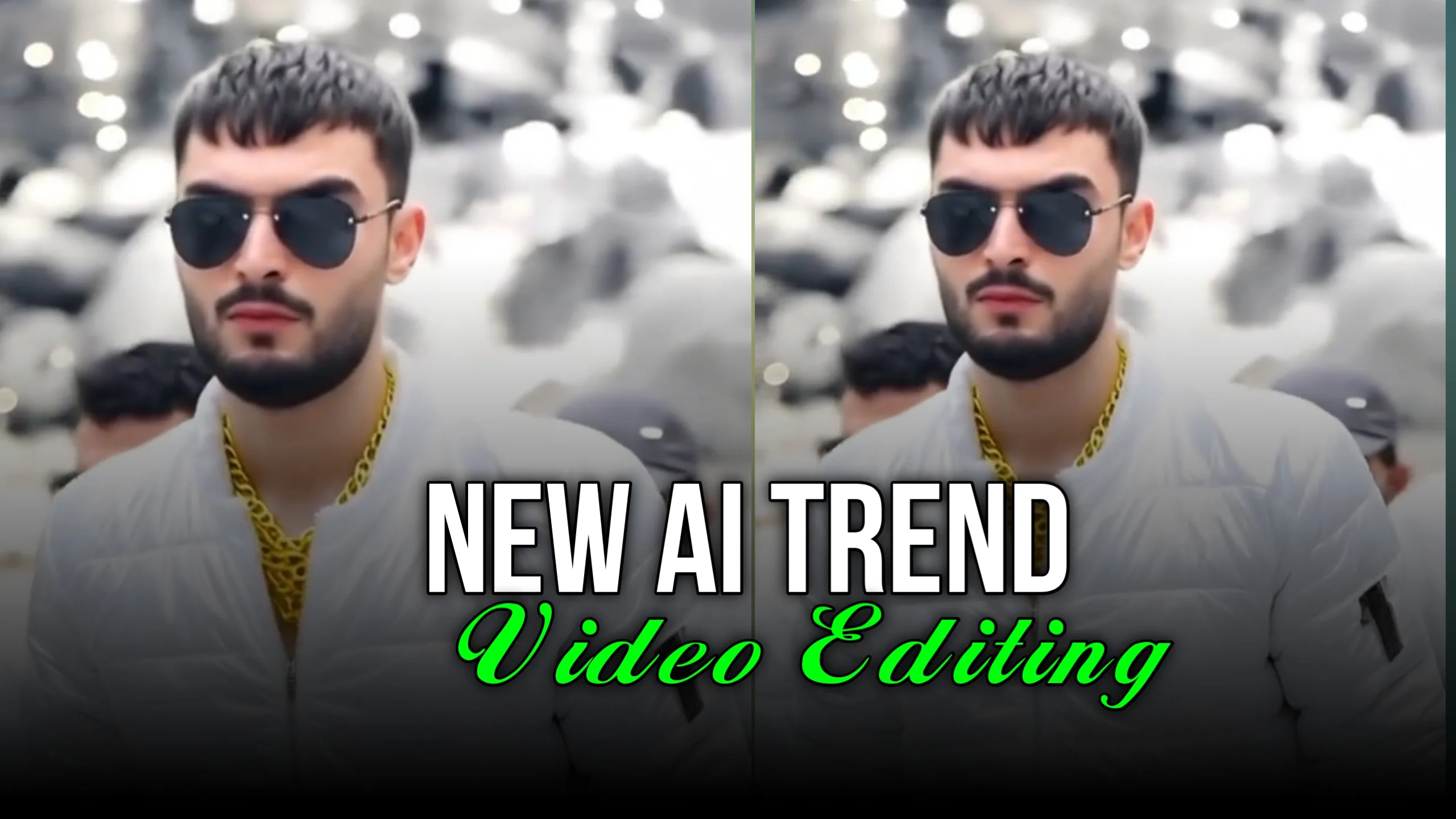
AI-powered video editing has become one of the biggest trends on social media. With just a few taps, creators can replace video backgrounds, change outfits, and create eye-catching transitions that once required expensive software and advanced editing skills.
These AI features are now widely used for Instagram Reels, TikTok videos, YouTube Shorts, and Facebook content. Whether you’re a content creator, influencer, or simply enjoy making creative videos, AI editing tools make professional-looking effects much easier to achieve.
In this guide, you’ll learn how AI background and clothes change video editing works, why it’s trending, and how you can create similar videos.
What Is AI Background and Clothes Change Video Editing?
AI video editing uses artificial intelligence to recognize people, objects, and backgrounds in a video. Instead of editing every frame manually, AI automatically detects the subject and applies changes in just a few seconds.
Some of the most popular AI effects include:
- Background replacement
- Outfit or clothing changes
- Face enhancement
- Sky replacement
- Lighting improvements
- AI-generated scenes
- Automatic object removal
These features save time while producing professional-quality results.
Why Is This Trend So Popular?
Videos with AI transitions attract attention because they look smooth, creative, and visually impressive.
Many creators use these effects to:
- Showcase different outfits
- Create travel-style videos
- Produce cinematic scenes
- Record fashion content
- Make before-and-after transformations
- Create engaging social media reels
Since short-form videos rely heavily on grabbing viewers’ attention in the first few seconds, AI editing has become an effective way to increase engagement.
AI Background Change Explained
Background replacement allows you to remove the original surroundings and replace them with another image or video.
For example, you can change:
- A bedroom into a luxury office
- A living room into a beach
- A plain wall into a mountain landscape
- An indoor scene into a futuristic city
The AI separates the person from the background automatically, making the editing process much faster than traditional methods.
This feature is especially useful when you don’t have access to attractive filming locations.
AI Clothes Change Feature
One of the fastest-growing editing trends is AI outfit replacement.
Instead of recording the same video multiple times while changing clothes, AI can simulate different outfits during editing.
Popular outfit styles include:
- Casual fashion
- Formal business wear
- Streetwear
- Traditional clothing
- Party outfits
- Sportswear
Many creators use quick transitions such as snapping fingers, turning around, or covering the camera before switching to another outfit.
These edits often perform well because they create a surprising visual effect.
How AI Detects Clothing
Modern AI editing systems analyze:
- Body position
- Movement
- Clothing shape
- Lighting
- Shadows
- Camera angle
The software then places a new outfit over the existing clothing while trying to maintain natural movement throughout the video.
The better the lighting and video quality, the more realistic the final result usually appears.
Benefits of AI Video Editing
AI editing tools offer several advantages compared to traditional video editing.
Faster Editing
Tasks that previously required hours of manual editing can often be completed within minutes.
No Professional Equipment Needed
Many AI editing apps work directly on smartphones, reducing the need for expensive cameras or computers.
Creative Freedom
Users can experiment with different backgrounds, outfits, and visual styles without recording multiple versions of the same video.
Better Social Media Content
Creative transitions often encourage viewers to watch longer, increasing the chances of higher engagement.
Popular Uses for AI Editing
AI background and outfit replacement are used across many different types of content.
Fashion Videos
Creators can display multiple clothing styles without changing outfits repeatedly.
Travel Content
Background replacement allows creators to simulate different destinations for storytelling or creative videos.
Product Promotion
Businesses use AI editing to create professional marketing videos while reducing production costs.
Entertainment
Many users create transformation videos simply for fun and to participate in social media trends.
Tips for Better AI Editing Results
To get the best outcome from AI editing tools, follow these simple recommendations.
- Record in good lighting.
- Keep the camera stable.
- Wear clothing that clearly contrasts with the background.
- Avoid fast body movements during transitions.
- Record in high resolution whenever possible.
- Use clean backgrounds for easier subject detection.
These small improvements can significantly increase the quality of AI-generated effects.
Things to Keep in Mind
Although AI editing has become much more accurate, it isn’t perfect.
Sometimes you may notice:
- Slight clothing distortion
- Background edges that look unnatural
- Flickering during fast movement
- Incorrect object detection
- Minor lighting inconsistencies
In many cases, recording a cleaner source video helps reduce these issues.
Is AI Video Editing Safe?
Most well-known AI editing platforms include privacy policies explaining how uploaded videos are processed.
Before uploading personal content:
- Read the app’s privacy policy.
- Use trusted editing platforms.
- Avoid uploading sensitive or private videos.
- Check whether your videos are stored online.
Being aware of how your content is handled helps protect your privacy.
Frequently Asked Questions
Can AI really change clothes in a video?
Yes. Modern AI tools can simulate different outfits by analyzing body position, movement, and lighting before generating a new appearance.
Does AI background replacement require a green screen?
Not always. Many AI editors automatically remove backgrounds without requiring a green screen.
Can I edit videos using only a smartphone?
Yes. Many AI video editing apps are designed specifically for Android and iPhone users.
Are AI-edited videos suitable for social media?
Yes. AI-generated transitions are widely used on Instagram Reels, TikTok, YouTube Shorts, and Facebook videos.
Do AI editing tools work perfectly every time?
No. Results depend on lighting, camera quality, movement, and the capabilities of the editing software being used.
Final Thoughts
AI-driven background and clothes-change video editing has made professional-looking content more accessible than ever. What once required advanced editing skills, expensive software, and studio equipment can now be achieved using AI-powered tools on a smartphone.
Whether you’re creating fashion videos, travel content, promotional clips, or entertaining social media reels, these AI features offer endless creative possibilities. By recording high-quality footage and using reliable editing tools, you can create engaging videos that capture attention while significantly reducing editing time.
