
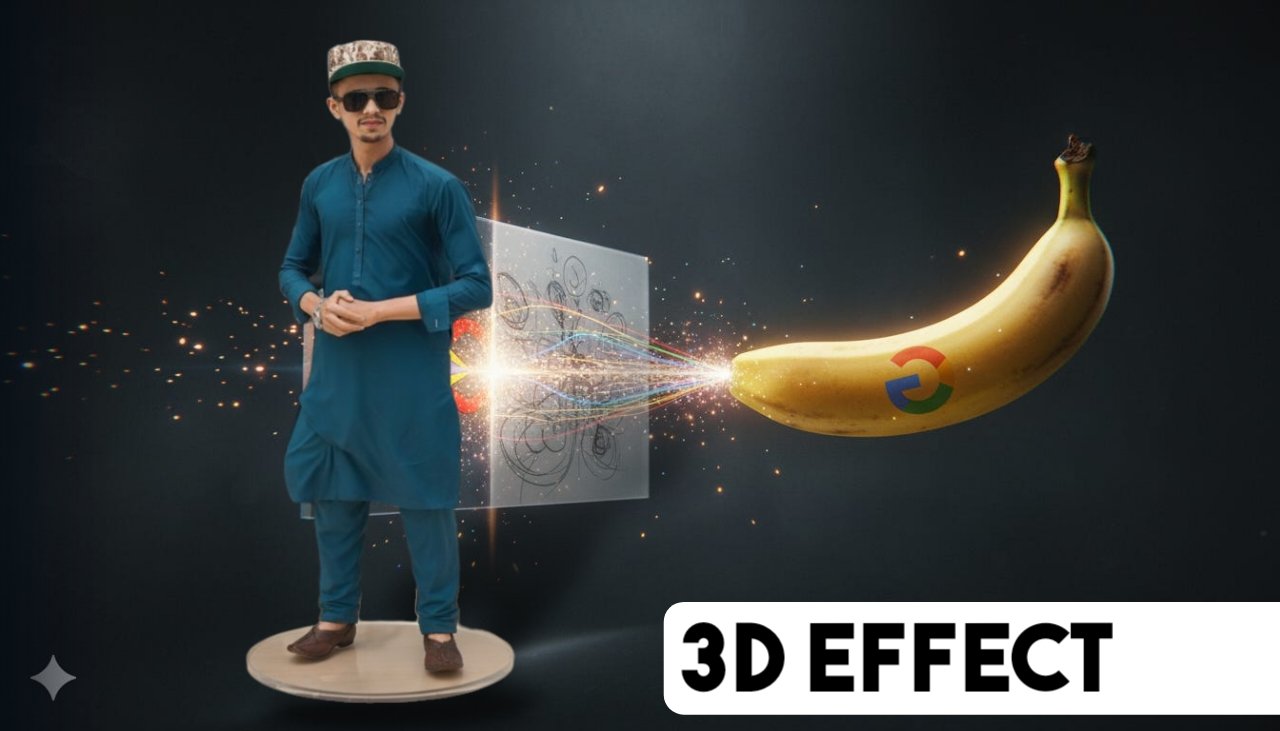
Have you ever wanted to turn a normal photo into a realistic 3D model without learning complicated 3D software? Thanks to Google Gemini and modern AI technology, creating impressive 3D-style images has become much easier. With the right prompts, you can transform ordinary photos into collectible figurines, action figures, statues, product mockups, or realistic 3D scenes in just a few minutes.
This guide explains how AI-powered image generation works, how to create better prompts, and how to convert your photos into stunning 3D artwork.
What Is Google Gemini?
Google Gemini is Google’s advanced multimodal AI model that can understand text, images, and other forms of media. It helps users generate high-quality content, answer questions, create images, edit photos, and much more.
One of its most popular features is AI image generation, where users simply describe what they want, and Gemini creates detailed visuals based on those instructions.
Can Google Gemini Convert a Photo into a 3D Model?
Yes. While Gemini does not generate production-ready CAD or game-engine 3D models, it can create highly realistic 3D-style renders from existing photos. These images can resemble:
- Action figures
- PVC collectibles
- Toy packaging
- Miniature figurines
- Realistic statues
- 3D avatars
- Product mockups
- Character concepts
The generated images have depth, realistic lighting, shadows, and textures that give them the appearance of true 3D models.
Why People Convert Photos into 3D Models
AI-generated 3D images are becoming increasingly popular for many purposes, including:
- Social media content
- Personal branding
- YouTube thumbnails
- Gaming profiles
- Product marketing
- Gift ideas
- Collectible figurine concepts
- Business presentations
- Portfolio showcases
- Character design
How AI Creates 3D-Style Images
The process is surprisingly simple:
- Upload your photo.
- Describe the final result using a detailed prompt.
- Choose the desired artistic style.
- Generate the image.
- Refine the prompt if needed.
- Download your final image.
The more detailed your prompt, the better the final result.
Example 3D Figurine Prompt
You can use a prompt like the following:
Create a highly realistic PVC figurine based on the uploaded photo while keeping the face exactly the same. Place the figurine on a modern computer desk with a transparent round acrylic base. Display a computer monitor in the background showing the 3D sculpting process. Add a professional BANDAI-style collectible toy box beside the figurine featuring matching artwork of the character. Use cinematic lighting, ultra-realistic textures, shallow depth of field, studio-quality rendering, and premium collectible packaging.
Turn Your Photo into a Giant Statue
Another popular AI trend is transforming yourself into a giant statue.
Example prompt:
Create a giant hyper-realistic statue using the uploaded photo while preserving the person’s exact facial features. Place the statue in the center of a busy city roundabout. Show construction workers building the statue with scaffolding, cranes, welding equipment, and exposed steel structures. Add realistic vehicles, pedestrians, street vendors, bright daylight, and cinematic lighting. Make the image look like a real news photograph.
Create a Premium Toy Packaging Design
Many creators enjoy generating collectible toy concepts.
Include details like:
- Transparent packaging window
- Collector edition branding
- Premium toy box
- Accessories
- Character artwork
- Modern product photography
- Studio lighting
- Realistic shadows
- High-end retail appearance
The more specific the prompt, the more professional the result.
Tips for Better AI Prompts
For the best results:
- Describe the subject clearly.
- Mention the environment.
- Specify lighting conditions.
- Include camera angle.
- Mention textures.
- Describe materials.
- Specify the rendering style.
- Mention image quality.
- Include aspect ratio if required.
Instead of writing:
A person.
Write:
A hyper-realistic 3D PVC collectible figurine of the uploaded person standing confidently on a transparent display base with cinematic studio lighting, ultra-detailed textures, soft shadows, premium packaging, and realistic reflections.
Best Styles to Try
Experiment with different styles such as:
- Hyper-realistic
- Pixar style
- Anime
- Cyberpunk
- Clay model
- LEGO
- Vinyl toy
- Action figure
- Marble statue
- Bronze sculpture
- Low-poly art
- Fantasy
- Sci-fi
- Cartoon
- Photorealistic
Popular Uses for AI 3D Images
Creators use AI-generated 3D artwork for:
- YouTube channel branding
- Instagram posts
- TikTok content
- Facebook pages
- Gaming communities
- Business advertisements
- Merchandise concepts
- NFT artwork
- Portfolio projects
- Personal avatars
Advantages of AI 3D Image Generation
Some of the biggest benefits include:
- No 3D modeling experience required.
- Saves significant time.
- Produces professional-looking results.
- Ideal for content creators.
- Generates unlimited creative variations.
- Easy to customize.
- Cost-effective compared to traditional design.
Things AI Cannot Do Yet
Although AI is impressive, it still has limitations.
Current challenges include:
- Minor facial inaccuracies.
- Inconsistent hand details.
- Difficulty with highly complex scenes.
- Text on packaging may not always be perfect.
- Not suitable for engineering-grade 3D models.
You may need to refine your prompt several times to achieve the best result.
Best Practices
For higher-quality images:
- Use high-resolution reference photos.
- Keep faces clearly visible.
- Avoid blurry images.
- Add detailed prompt instructions.
- Specify realistic lighting.
- Mention materials like PVC, metal, marble, or bronze.
- Describe the background carefully.
- Include camera settings if desired.
Conclusion
AI has made it easier than ever to transform ordinary photos into stunning 3D-style artwork. Whether you want to create a collectible figurine, a giant public statue, premium toy packaging, or a realistic character render, Google Gemini provides powerful tools to bring your ideas to life.
The key to getting the best results is writing detailed prompts that clearly describe the subject, environment, materials, lighting, and artistic style. As AI technology continues to evolve, creating professional-quality 3D visuals will become even faster, more realistic, and more accessible for everyone.
